Taking screenshots in VR: tool and storage location
1 min read
Available in
- Desktop
If you want to take a screenshot of your workstation, work area or even an object you have created, this is possible in two ways:
-
Using the Halocline screenshot tool,
-
Creating a screenshot using the keyboard shortcut of the VR controllers.
Instructions#
Using the Halocline Screenshot Tool#
-
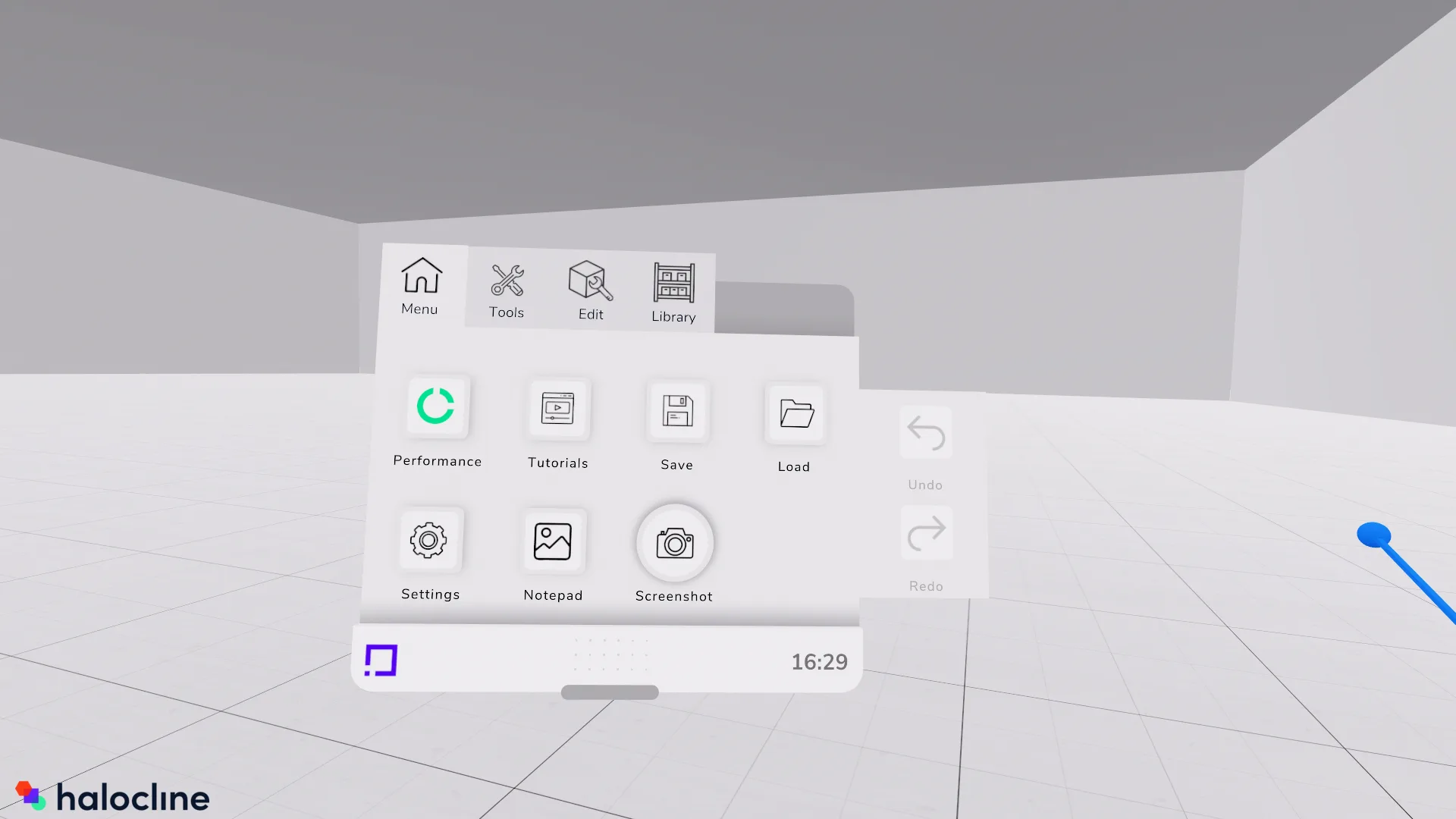
Open the Halocline VR menu
-
Click on the screenshot tool in the tools tab
-
Now you can take a screenshot of your desired object
- You can find the screenshot on your computer under:
C:\Users\%username%\Documents\Halocline\Screenshots
Related to