Work areas at a glance: active and inactive areas
1 min read
- Team
- Professional
- Desktop
Function#
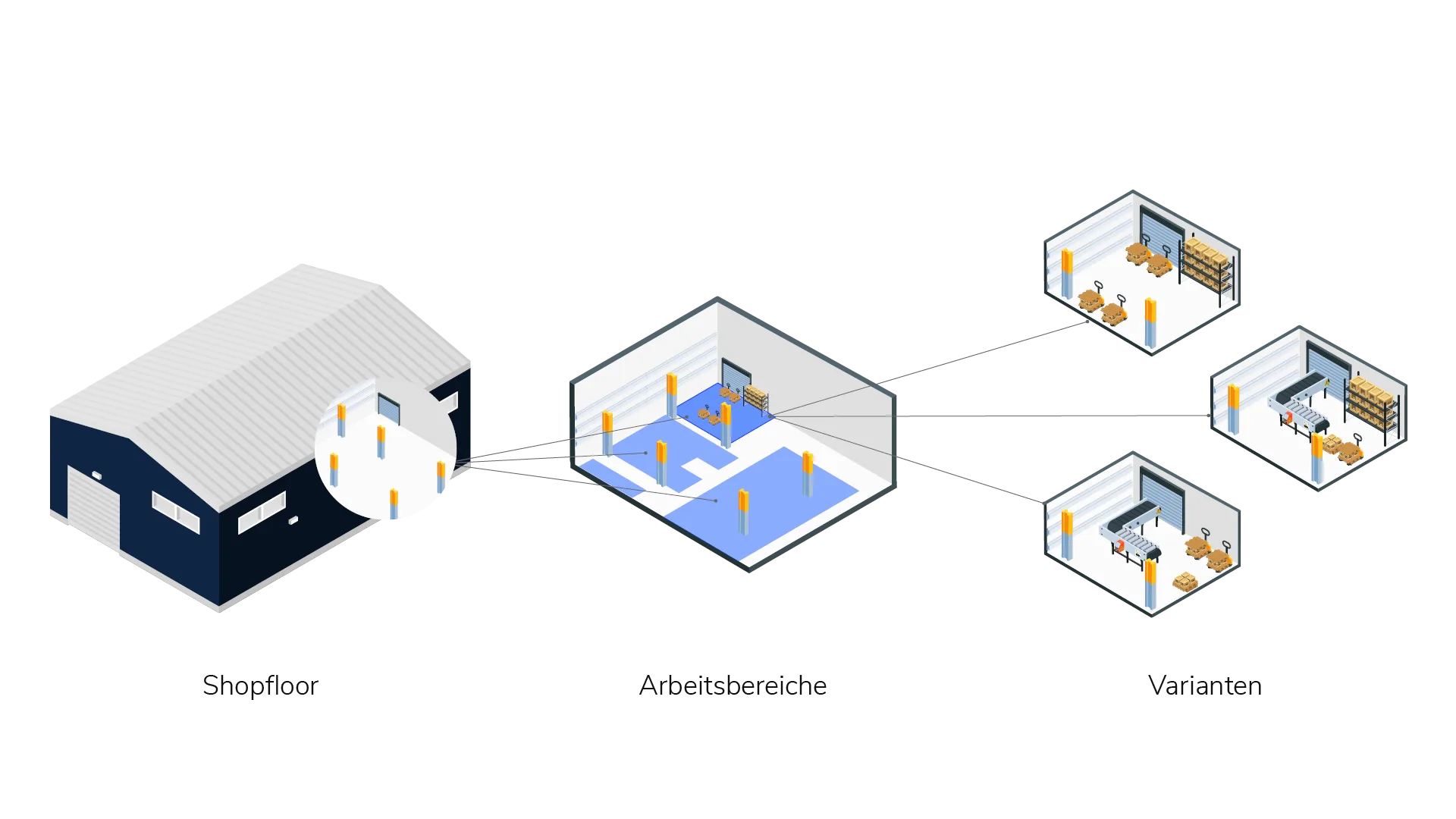
Work areas represent individual sections in a shopfloor. Depending on how you have divided the shopfloor you can map this structure in Halocline Layout (e.g. by cost centers / assembly technologies / work steps).
In VR, the active work area is shown with a white border. Inactive work areas are shown simplified in desaturated colors to facilitate work sharing between multiple people and provide more performance.
You can show or hide inactive work areas in the settings menu under the "inactive stations" entry. Hide the inactive work areas (stations) to improve your VR performance.
In the settings menu you will also find the function "Adjust outlines" and "Reassign selected objects" if you want to adjust work areas in VR.
Please note: If you want to know more about creating or customizing work areas, check out the Create shopfloor article. |