Creating your own load carriers in the load carrier editor
1 min read
Available in
- Professional
- Desktop
With the load carrier editor, you have the option to create your own custom load carriers.
Instructions#
- In Halocline Desktop, select the Library tab.
- Click the Plus on the right to add elements.
- Select "Load Carrier".
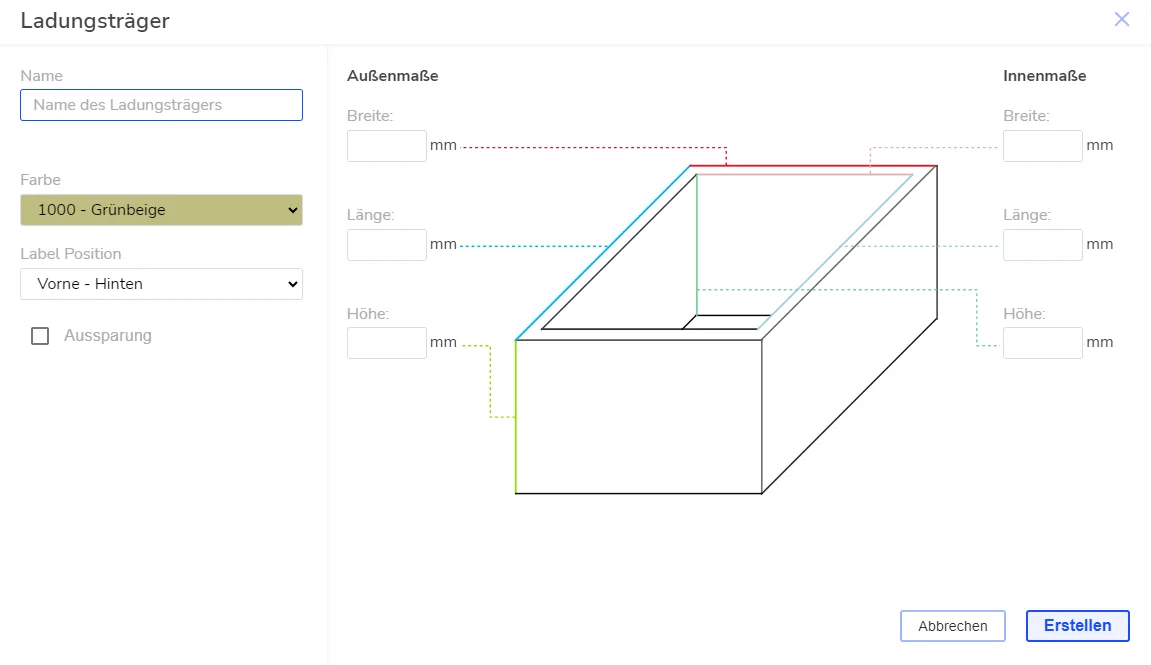
All custom load carriers you create are listed in the library on the home screen as well as in VR.
You can assign parts to the load carrier and name it.
Related to