A virtual factory walkthrough before you build.
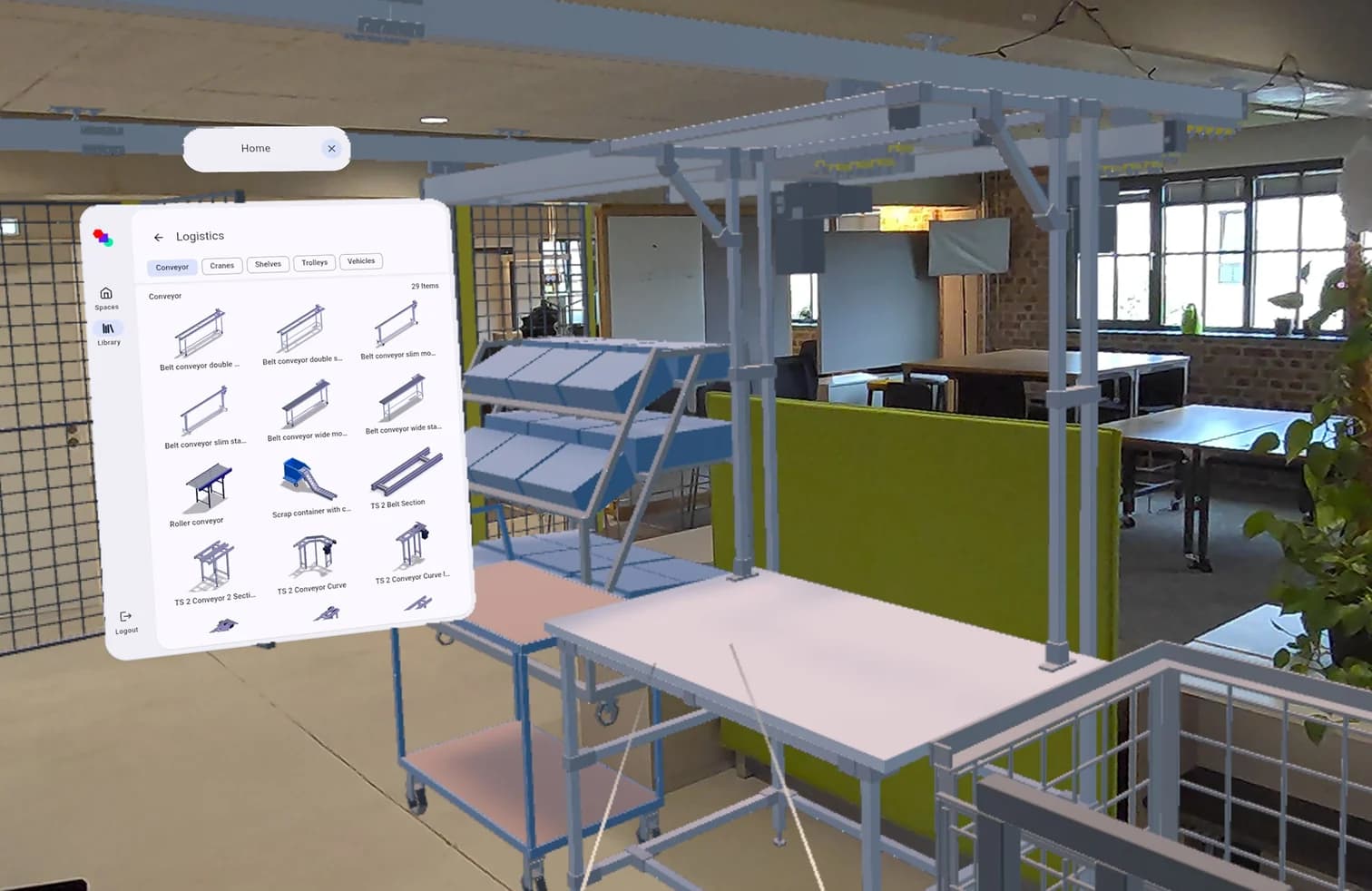
See whether the layout works before you rebuild. Walk through it at full scale on an XR headset, together with the people who will work there.
Why it matters.
Plans are hard to read
Not everyone reads a floor plan; heights, reach and sight lines stay abstract.
Mistakes show up after the rebuild
A gangway that is too narrow or a blocked view is found once the machines are in place.
Shopfloor voices come late
Foremen and workers are asked when changes have become expensive.
How you get there.
Plan the layout
Build the layout in the browser as usual; no extra preparation is needed.
Open it on the headset
Start the same layout project stand-alone on an XR headset.
Walk the routes at full scale
Check aisles, heights and sight lines as if you were standing in the hall.
Adjust and look again
Change what bothers you and walk through the new state.
What you hand over.
Your layout at full scale on a stand-alone XR headset. You walk the routes, check sight lines and heights, and talk about the same picture with the people who will work there.
Format
- XR headset
Viewing and sharing as a link are always free. Files come with Team.
Who gets it
Supervisors, operators and management when a layout is approved.
The question it answers
What will it feel like before we rebuild?
Made from
Any layout project in Halocline, without extra preparation.
What's in it.
Full-scale view
The layout around you at real size, not as a drawing.
Routes and aisles
Where people and transport move, and whether there is room.
Heights and reach
Racks, workstations and machines at their real height.
Same project
What you see is the layout project everyone works on.
What is a virtual factory walkthrough?
A virtual walkthrough shows a planned shopfloor at full scale in XR. People walk the routes and judge distances, heights and visibility as if they were standing there. It brings in those who cannot read a floor plan. In Halocline every layout project can be walked through in XR, included in Free.
More about the method →Questions people ask.
- Which headsets work?
- Halocline Web & XR runs stand-alone on XR headsets. Which devices are supported is listed in the documentation.
- Do I have to prepare the layout for XR?
- No. The layout you plan in the browser is the one you walk through.
- Is the walkthrough included in Free?
- Yes. The walkthrough in XR is part of every plan, Free included.



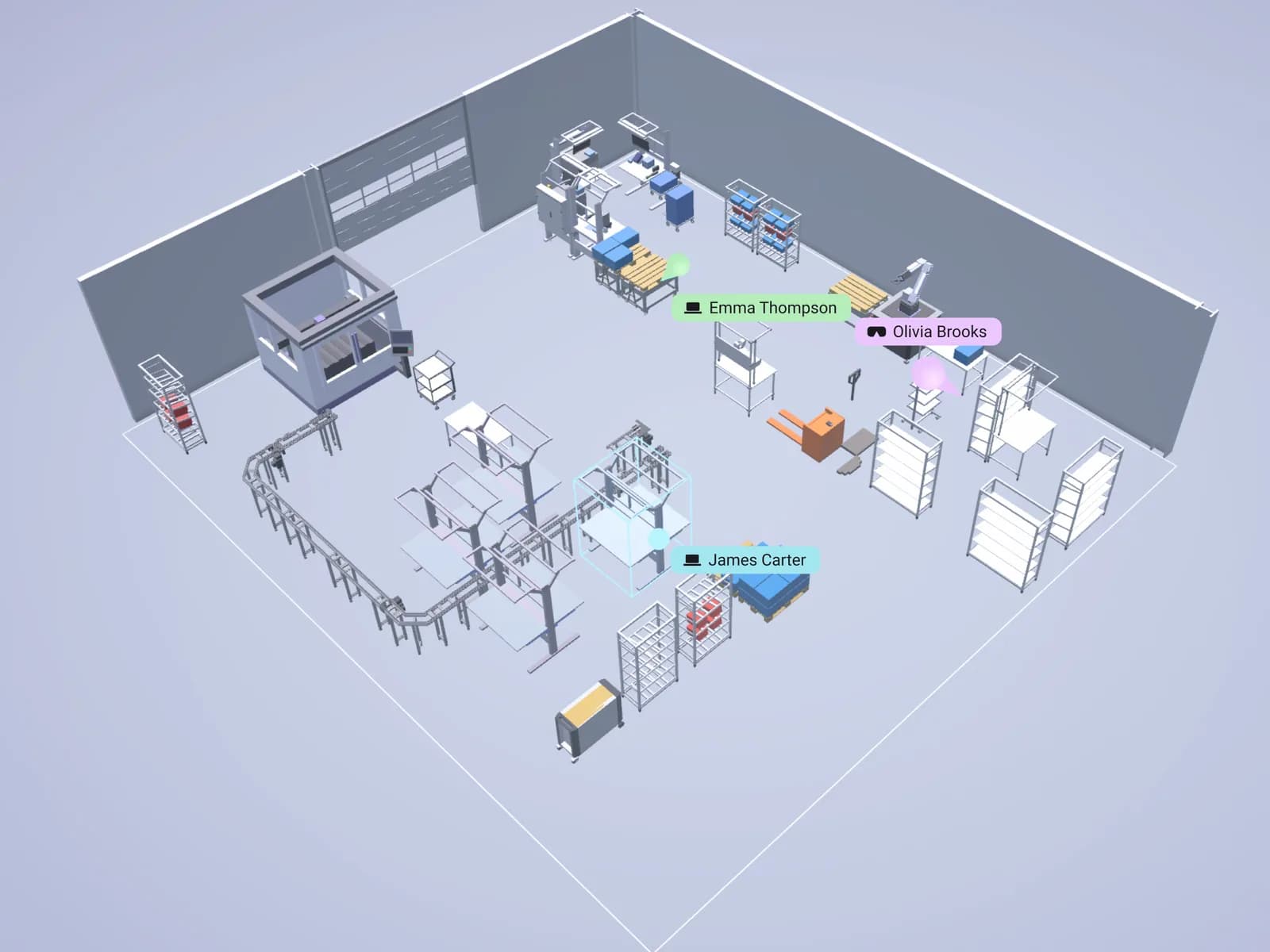
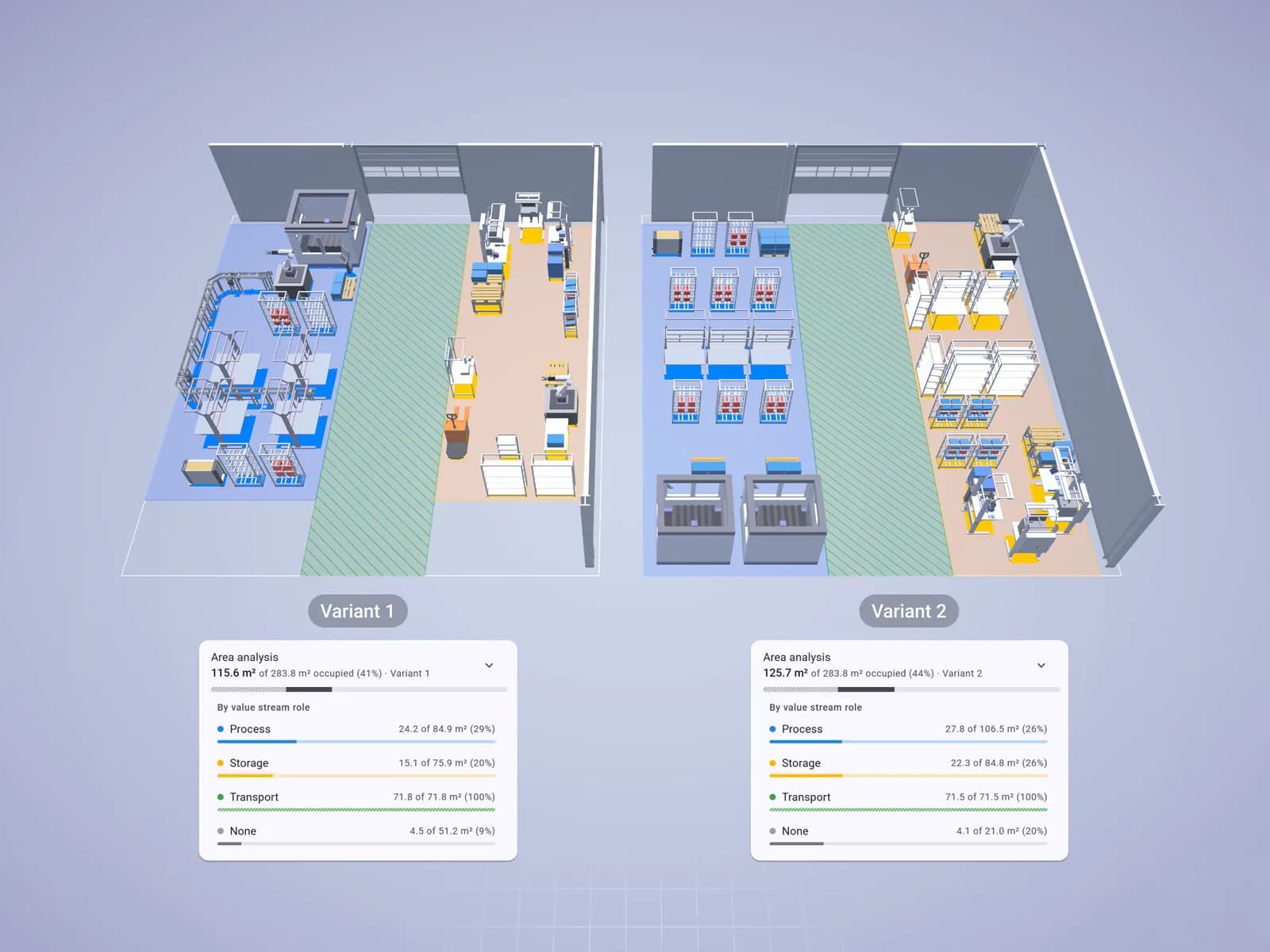
Plan the factory. Hand over the results.
Start in the browser, without installation and with no CAD skills required.