CAD import and export with STEP and JT.
Plan with the real parts and hand the result back to design. Import CAD models as STEP or JT and export your workstations in the same formats. Included in Team.
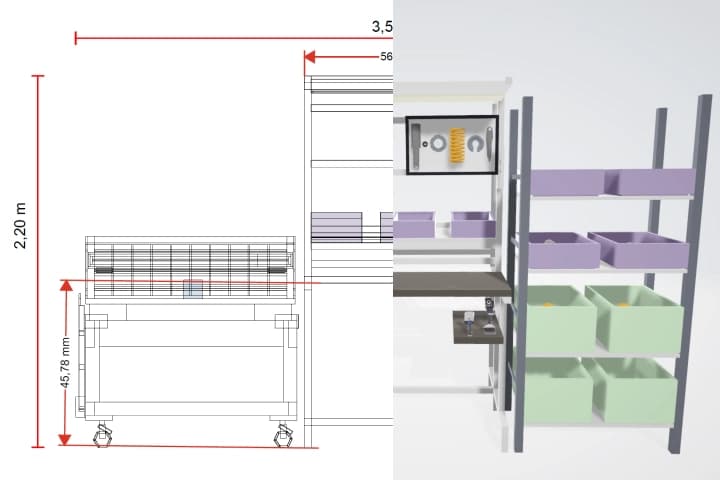
Why it matters.
Planning without real geometry
Rebuilding machines and parts by hand makes the plan approximate.
Results do not reach design
A workstation that stays in the planning tool has to be rebuilt in CAD.
Formats block the exchange
When tools share no format, screenshots go back and forth instead of models.
How you get there.
Import the CAD model
Load parts, equipment or machines as STEP or JT.
Place it in the plan
Use the models in your workstation or layout like library items.
Export the result
Hand the workstation back to design as STEP or JT.
What you hand over.
Import and export of STEP and JT files. You bring parts, equipment and machines from CAD into your planning and give the result back to the design department in the formats it uses.
Format
- STEP
- JT
Viewing and sharing as a link are always free. Files come with Team.
Who gets it
The design department and partners who work in CAD.
The question it answers
How do models get from CAD into the planning and back?
Made from
Your workstations and library items, and the CAD files you import.
What's in it.
STEP
The neutral format for exact geometry, read by almost every CAD system.
JT
A compact format for large assemblies and visualization.
Your workstation
The planned equipment as a model the design department can open.
What is CAD import?
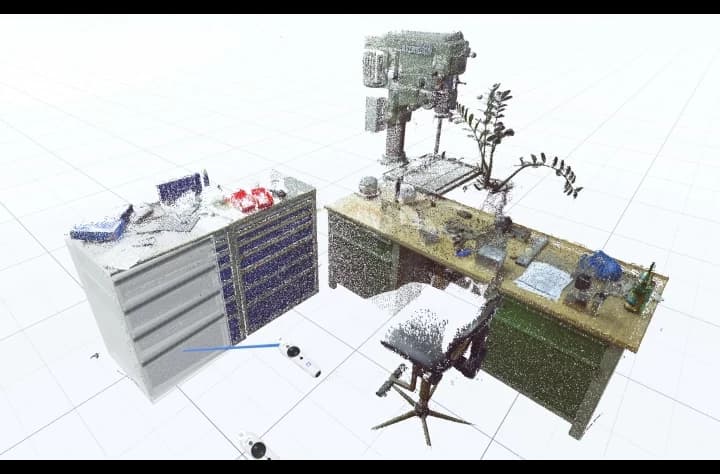
CAD import means reading 3D models from a design system into another program. Neutral formats make this work across systems: STEP is the ISO standard for exchanging product data, JT is a lightweight format widely used in the automotive industry. Native formats of individual CAD systems need their own interfaces. Halocline reads and writes STEP and JT in Team; native formats and point clouds are available as an add-on.
Questions people ask.
- Which CAD file formats does Halocline support?
- STEP and JT for import and export in Team. Native CAD formats and point clouds are available today as an add-on.
- What is the difference between STEP and JT?
- STEP is the neutral ISO format for exact geometry and is read by almost every CAD system. JT is more compact and suits large assemblies and visualization.
- Which 3D CAD file formats do I need for the exchange?
- For most cases STEP is enough. If your design department works with large assemblies, JT is often the better choice.



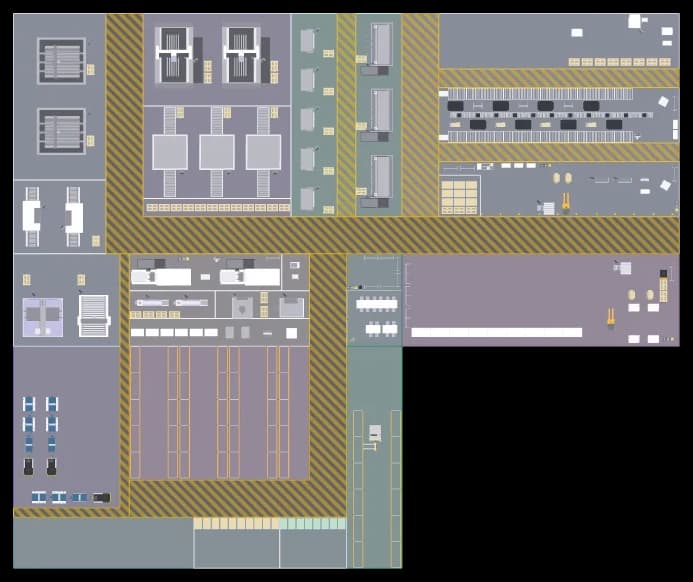

Plan the factory. Hand over the results.
Start in the browser, without installation and with no CAD skills required.