Parts list per workstation.
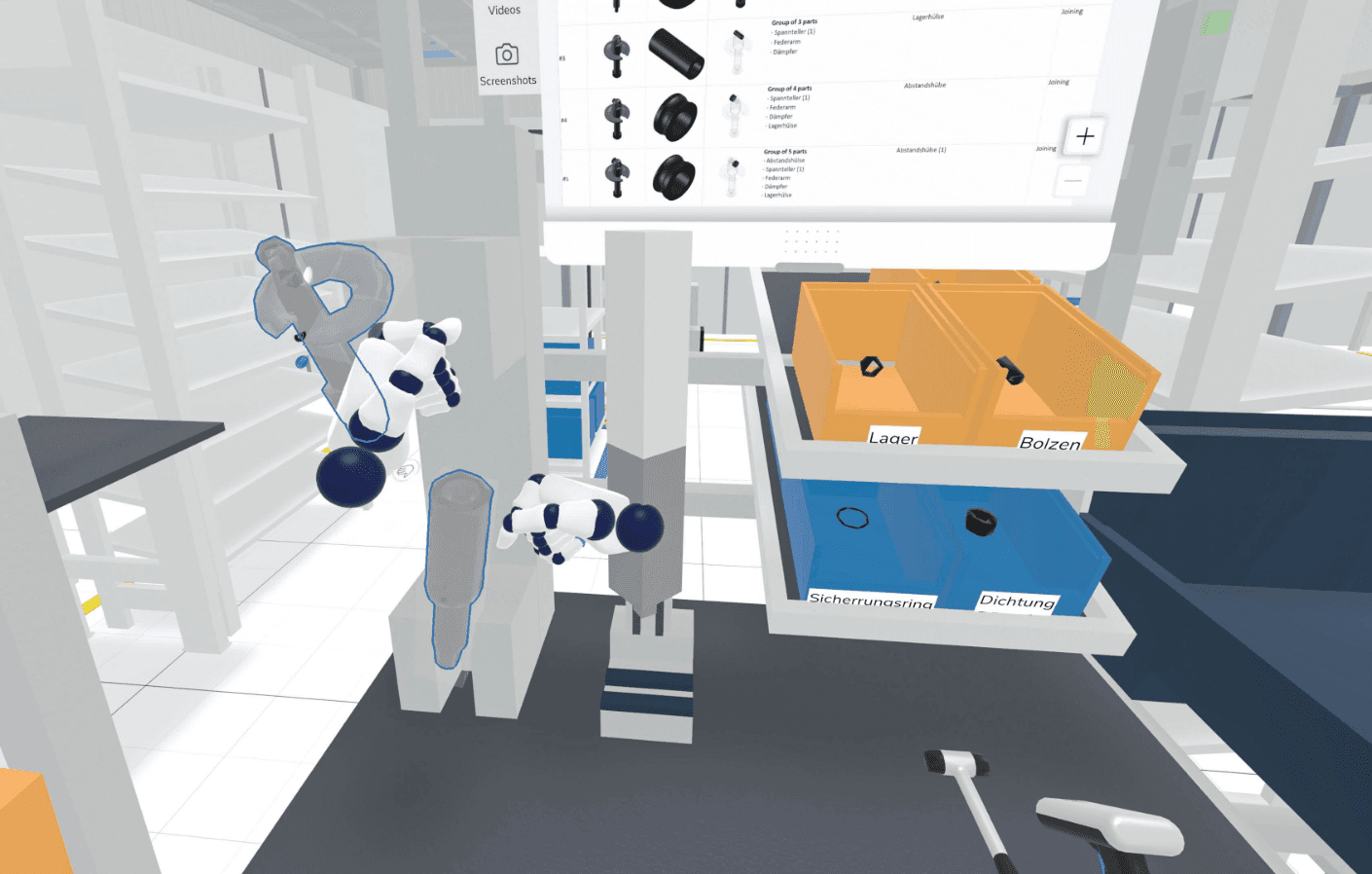
Know what lies at each workstation without keeping lists by hand. Import the bill of materials, assign containers and export a parts list per workstation as Excel.
Why it matters.
Lists drift from the layout
A parts list kept by hand no longer matches the workstation after the next change.
Supply guesses quantities
Without parts and containers per workstation, material supply works from assumptions.
Questions at the line
Workers and logistics ask what belongs where when nobody has written it down.
How you get there.
Import the bill of materials
Load the parts of the product into Halocline Desktop.
Assign parts to workstations
Place the parts at the workstations that use them.
Assign containers
Choose the load carrier for each part.
Export the list
Hand over the parts list per workstation as XLSX.
What you hand over.
A parts list for each workstation: the parts placed there, their quantities and the load carriers assigned to them. You export it as XLSX for work preparation and material supply.
Format
- XLSX
Viewing and sharing as a link are always free. Files come with Team.
Who gets it
Workstation design and work preparation.
The question it answers
What lies at this workstation?
Made from
An imported bill of materials with container assignment in Halocline Desktop.
What's in it.
Parts per workstation
Which parts are placed at each workstation.
Quantities
How many of each part are there.
Load carriers
The container assigned to each part.
What is a parts list per workstation?
A parts list per workstation shows which parts are supplied to one workstation, in what quantity and in which containers. It is the workstation view of the bill of materials and connects product data with material supply. Without it, the line gets the wrong parts or too many. Halocline creates it from the imported bill of materials and the containers you assign in the model.
More about the method →Questions people ask.
- How is it different from a plan for every part (PFEP)?
- The parts list looks at one workstation. A plan for every part looks at supply: for every part, where it is supplied, in which container and how long it lasts. The PFEP comes later in Business.
- Which plan includes the parts list?
- Professional in Halocline Desktop, today. Later it is included in Business too.
- In which format do I get the parts list?
- As an XLSX file, so you can keep working with it in Excel.
What customers get out of it.



Plan the factory. Hand over the results.
Start in the browser, without installation and with no CAD skills required.