Assembly planning in 3D.
Find out whether a product can be assembled as planned before the line exists. Plan the assembly sequence in 3D and check buildability. Today in Halocline Desktop for Professional.
Why it matters.
Buildability problems surface late
Inaccessible screw points or impossible sequences often show only on the prototype.
Late changes are expensive
Once parts are fixed in design, every change to the assembly costs time.
Sequences live in heads
Without a documented sequence, assembly planning and design discuss different ideas.
How you get there.
Import the product
Load the product structure and its parts as CAD data.
Build the sequence
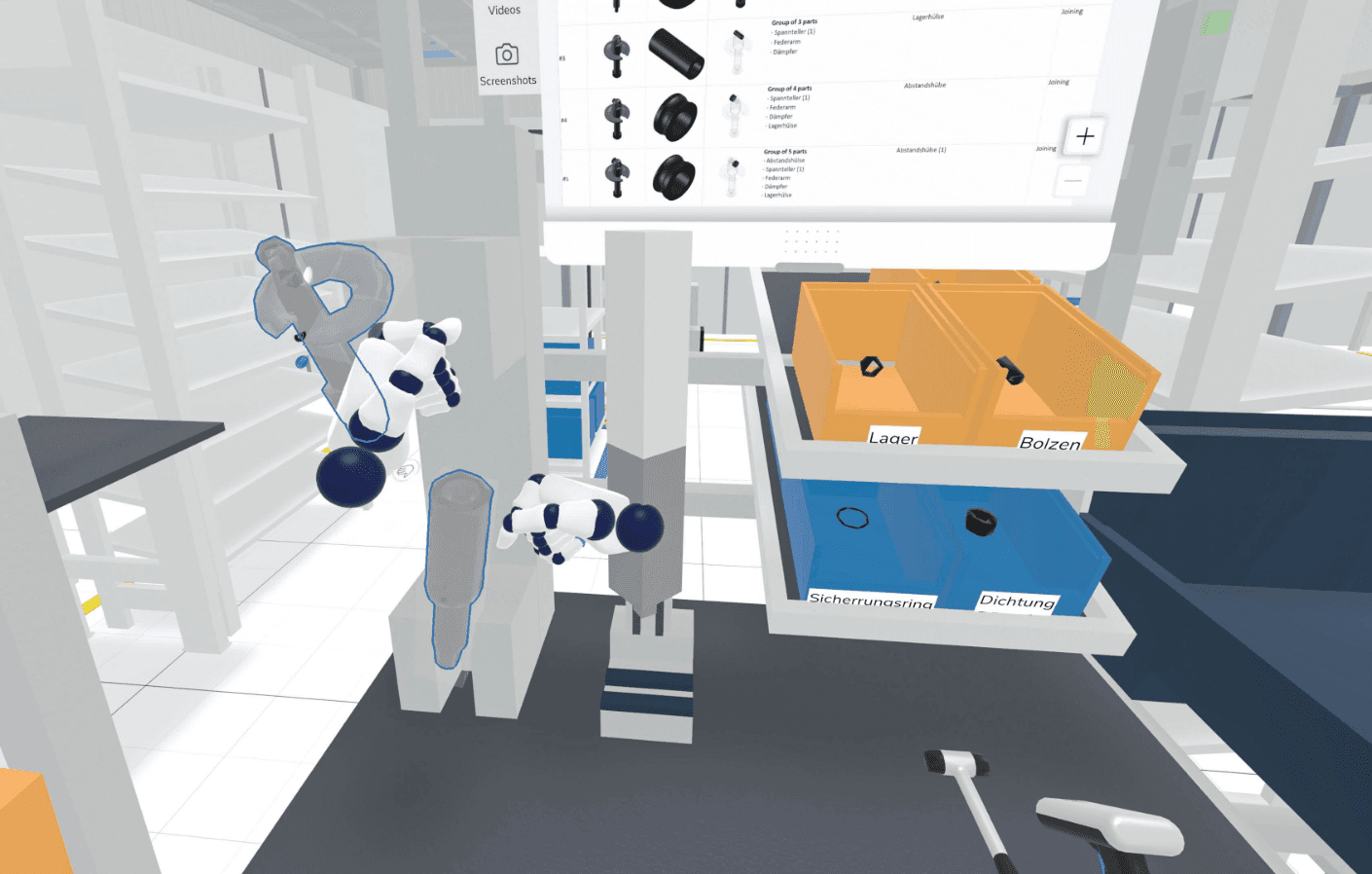
Assemble the product step by step in 3D.
Check each step
See where a part cannot be reached or placed.
Hand over the plan
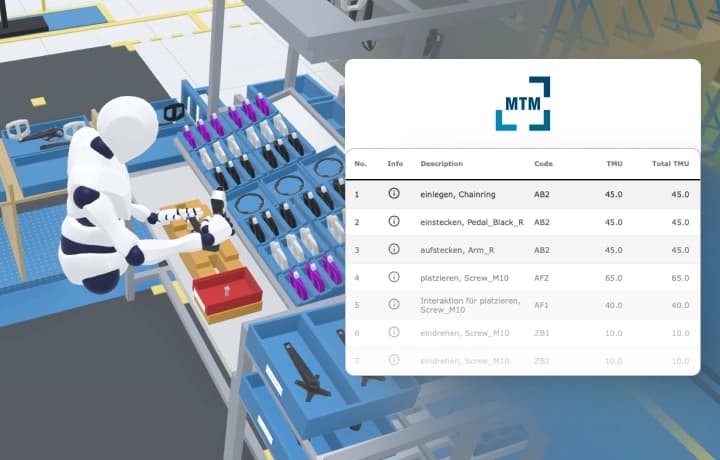
Use the sequence for assembly planning and work instructions.
What you hand over.
An assembly plan: the sequence in which the product is assembled, with the buildability of each step checked in 3D. Today in Halocline Desktop; later in the browser as a link and XLSX.
Format
- Windows app
Viewing and sharing as a link are always free. Files come with Team.
Who gets it
Assembly planning and the design department (Design for Manufacturing).
The question it answers
In which order can the product be assembled?
Made from
The CAD data of the product, sequenced into assembly steps in Halocline Desktop.
What's in it.
Assembly sequence
The order in which the parts are assembled.
Buildability per step
Whether each step can be done as planned.
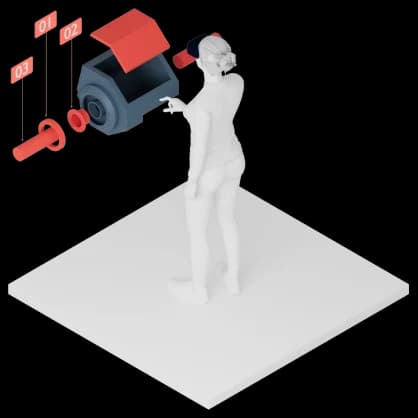
Exploded view
The parts of the product apart, in the order they come together.
What is assembly planning?
Assembly planning determines how a product is put together: the order of the steps, the resources and the workstations. It starts with the assembly sequence, which follows from the product structure and its constraints, and checks whether each step is possible. Problems found here are cheaper to fix than on the line. In Halocline you plan the sequence in 3D on the real product geometry.
More about the method →Questions people ask.
- Is there an assembly planning tool for 3D?
- Halocline Desktop includes assembly planning for Professional. You sequence the product in 3D and check each step for buildability.
- How do I optimize assembly processes?
- Start with the assembly sequence: which steps depend on each other, and which can run in parallel or at other workstations? In 3D you see where a step cannot be built before the line exists.
- How does assembly planning relate to workstation design?
- The assembly sequence tells you which steps happen at which workstation. With it you design the workstations and supply the right parts.



Plan the factory. Hand over the results.
Start in the browser, without installation and with no CAD skills required.