Ergonomics in manufacturing, checked from a recording.
Find out where a workstation strains the body before people work there. Record the process and get an ergonomics check with the Key Indicator Method in the process report.
Why it matters.
Strain shows up too late
Awkward postures and heavy loads often surface only through complaints or absence.
Assessments take expert time
Rating a workstation by hand needs observation, forms and someone who knows the method.
Discussions lack evidence
Without a documented check, planning, the works council and safety argue from impressions.
How you get there.
Build the workstation
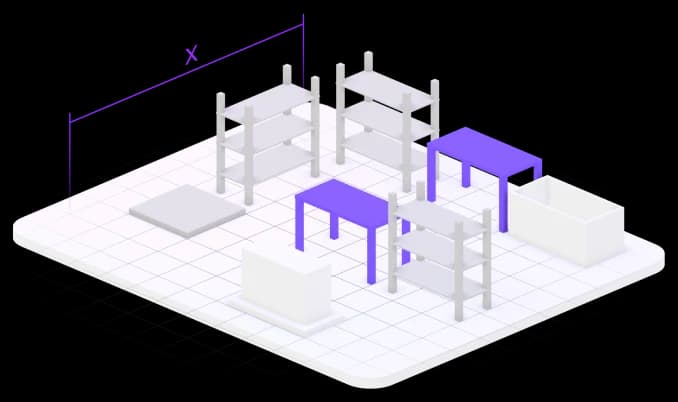
Lay out the workstation with its equipment and parts in Halocline Desktop.
Check reach zones
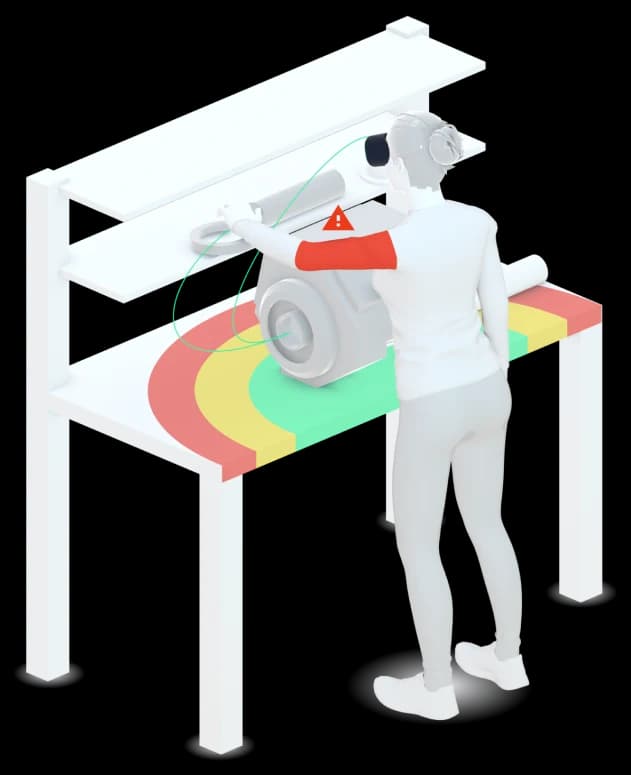
Show the reach zones and try different body sizes.
Record the process
Go through the work once; Halocline records postures and movements.
Export the process report
Hand over the ergonomics check with the Key Indicator Method as XLSX.
What you hand over.
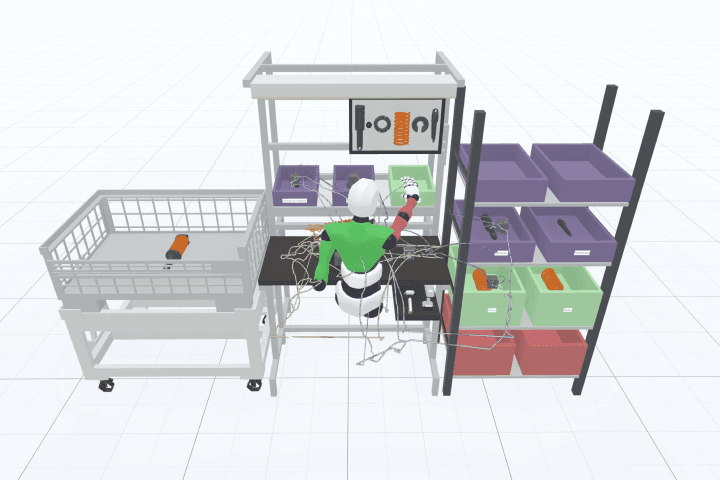
An ergonomics check of the recorded process with the Key Indicator Method: where the work strains the body, and how much. It comes in the process report as an XLSX file, next to the spaghetti diagram.
Format
- XLSX
Viewing and sharing as a link are always free. Files come with Team.
Who gets it
Industrial engineering, occupational safety and the works council.
The question it answers
Where does the process strain the people who do it?
Made from
A process recorded in Halocline and evaluated in the process report.
What's in it.
Strain per activity
Where in the process the work strains the body.
Key Indicator Method
The rating by the method, as a basis for discussion and documentation.
Reach zones
Which parts lie within easy reach and which do not.
Process report
The check next to the spaghetti diagram, in one XLSX file.
What is ergonomics in manufacturing?
Ergonomics in manufacturing adapts workstations and tasks to people: heights, reaches, loads, postures and repetition. Poor ergonomics leads to strain, absences and errors. Established methods such as the Key Indicator Method rate the load of a task in a comparable way. Halocline evaluates a recorded process with this method and shows where the workstation needs to change.
More about the method →Questions people ask.
- What is the Key Indicator Method?
- The Key Indicator Method (KIM, German Leitmerkmalmethode) is a screening procedure of the German Federal Institute for Occupational Safety and Health. It rates loads such as lifting, carrying or forced postures and assigns a risk level. Halocline includes it in the ergonomics check.
- How do I make a workstation in production ergonomic?
- Start where loads and postures score high and change heights, reaches or material supply there. Then record again and compare the two checks.
- Is there an EAWS assessment too?
- EAWS is in development in Halocline Desktop for Professional. The ergonomics check with the Key Indicator Method is available in Team today.
What customers get out of it.



Plan the factory. Hand over the results.
Start in the browser, without installation and with no CAD skills required.