MTM time analysis: comparing layout variants early
2 min read
- Professional
- Add-On MTM
- Desktop
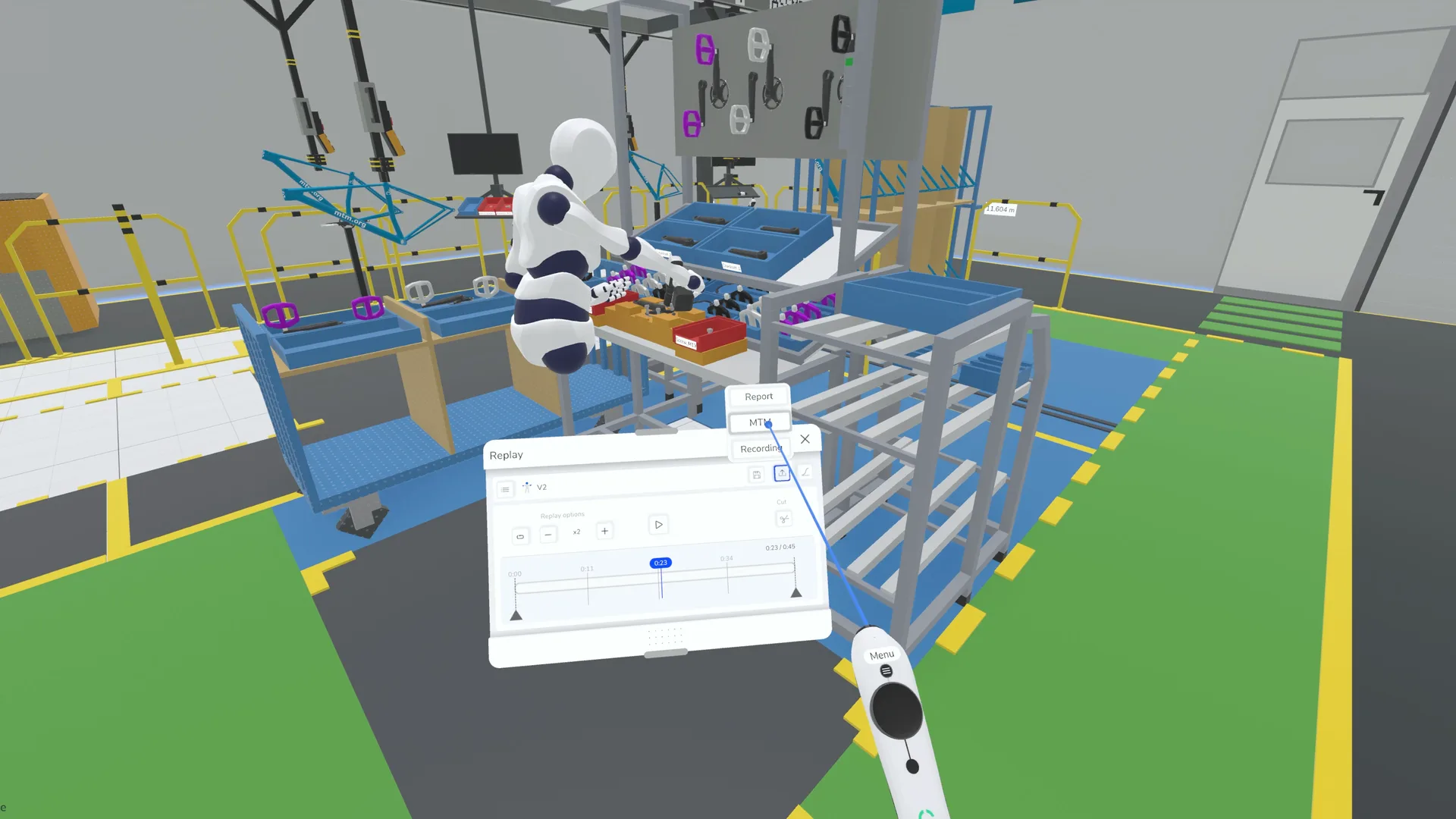
With automated time evaluation in Halocline, you can create a rough MTM analysis in the early phases of layout planning. This feature helps you assess different layout variants, identify bottlenecks early, and optimize work processes in terms of time and efficiency.
Quick Analysis for Better Layouts#
The right layout decision affects not only space utilization but also the efficiency of production processes. In the early planning phase, reliable time data is often missing to objectively compare different layout options.
With automated MTM evaluation in Halocline, you can:
- Assess different layouts based on process times
- Obtain initial time values for different workstation arrangements
- Identify bottlenecks and inefficient pathways early on
- Make data-driven and fact-based decisions
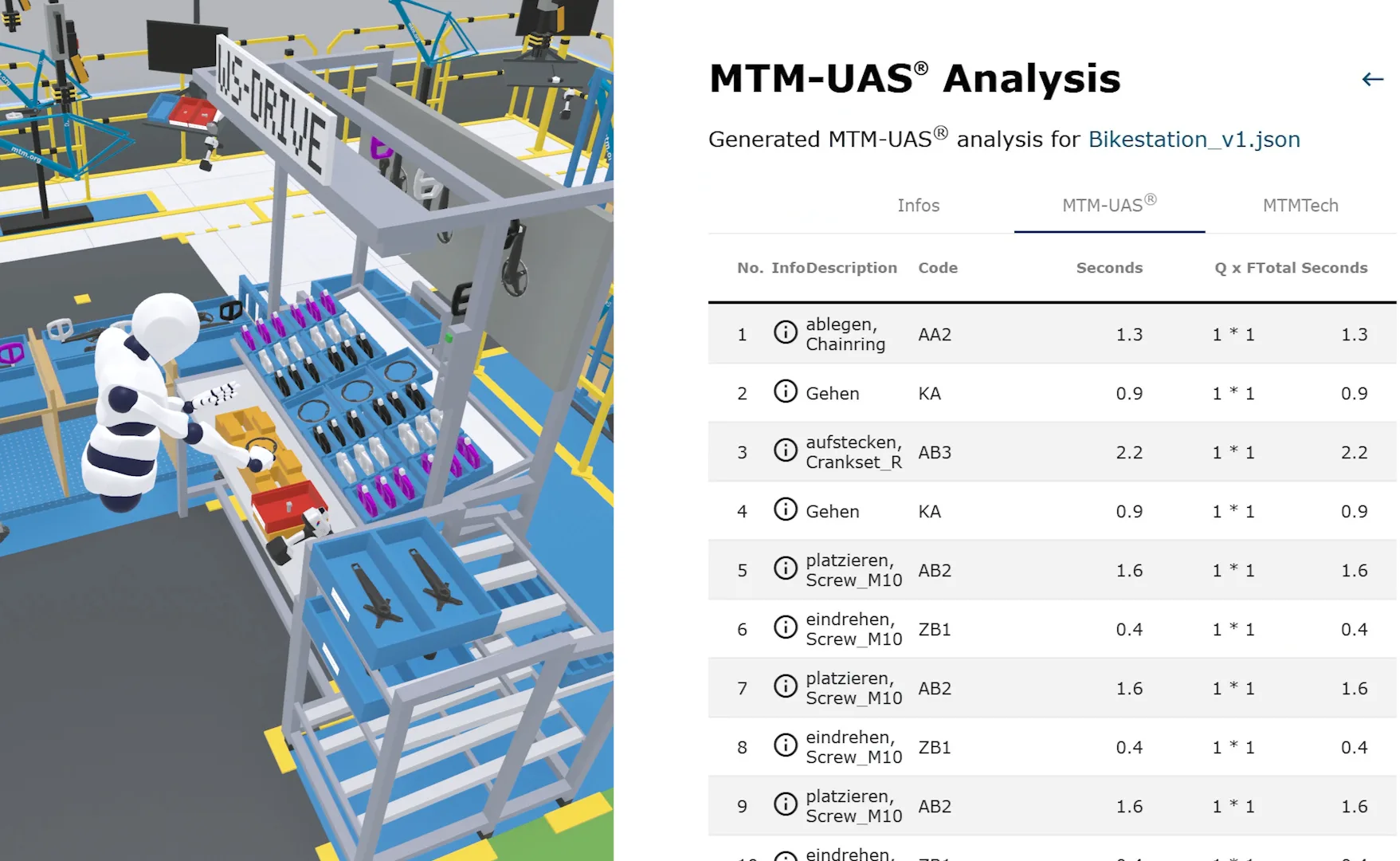
Time Evaluation in Layout Planning#
1. Experience the Process in VR#
Test different layout variants directly in Halocline by simulating production processes in VR. This allows you to analyze how material flows, work paths, and hand movements behave in different arrangements.
2. Automatic MTM Generation#
While you conduct the process, Halocline automatically records your movements and generates an initial MTM analysis. Without manual calculations or extensive data collection, you receive a rough time assessment for each layout variant.
3. Utilize the Results#
The generated time values can be directly used to:
- Objectively compare different layouts
- Identify optimization potential in workstation design
- Determine initial process times for further planning
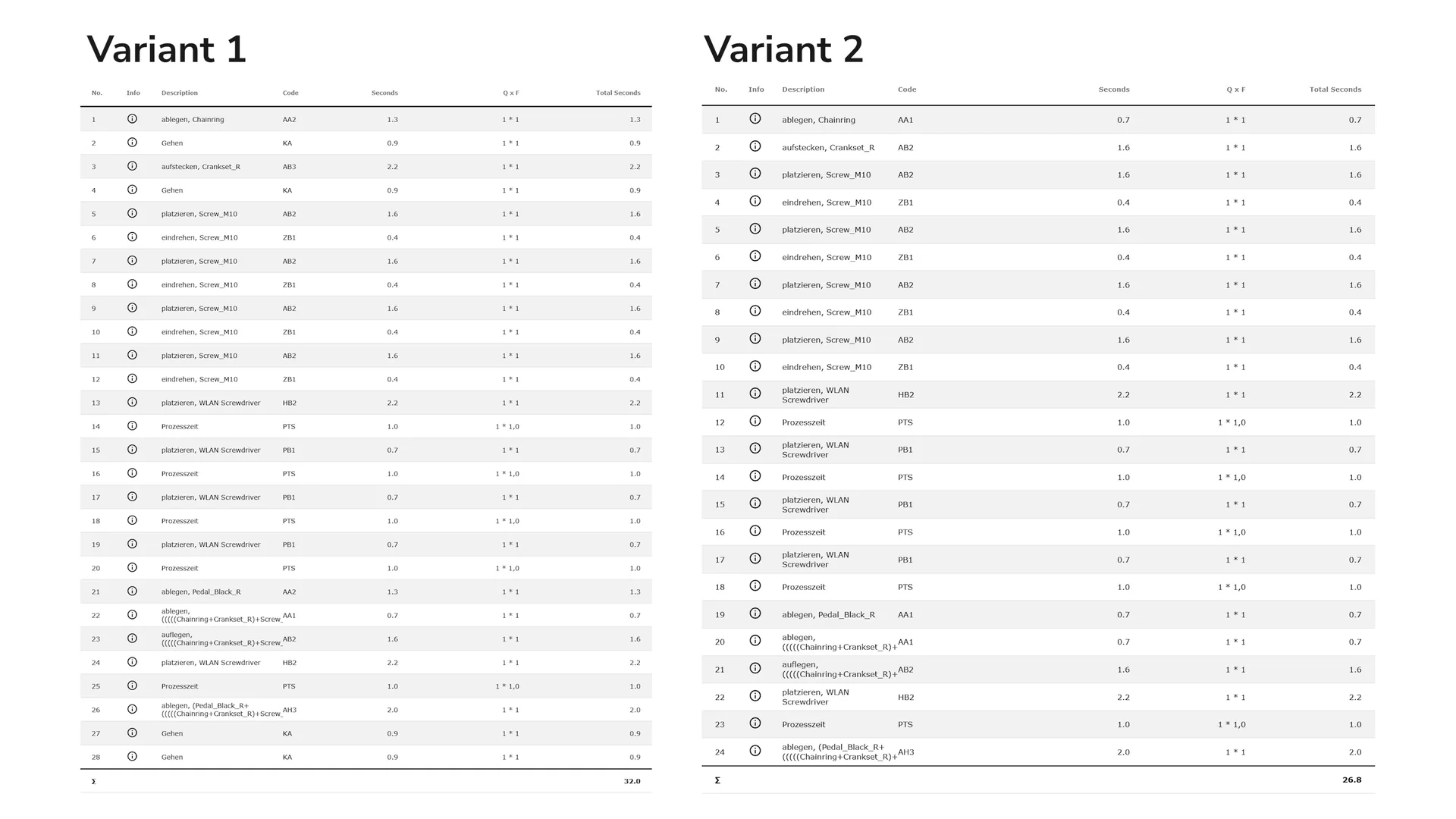
With this data, you can make reliable decisions and systematically improve your production layout.
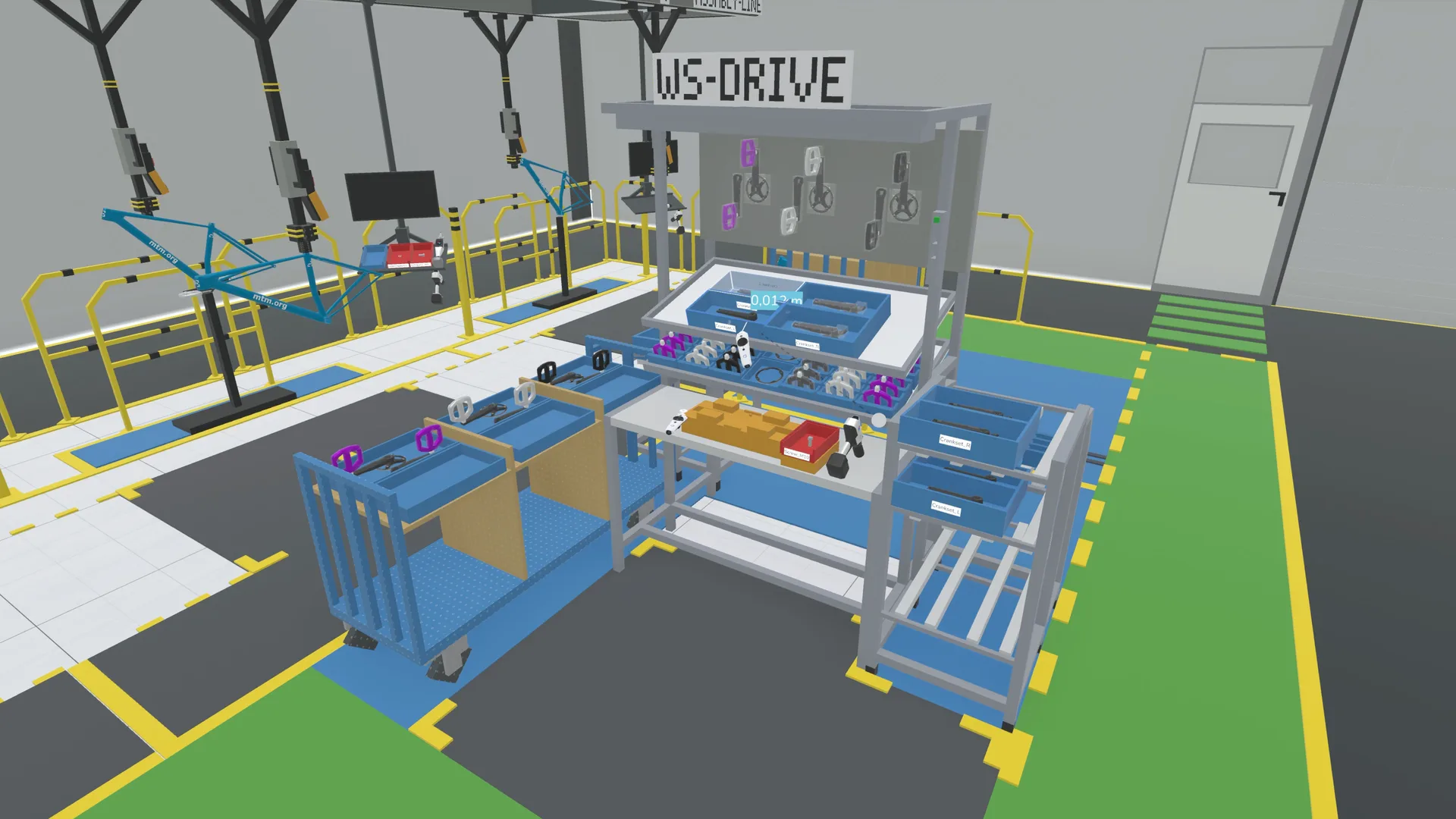
From Initial Concept to Optimal Layout#
Time analysis with MTMmotion® in Halocline not only provides a preliminary assessment of process times but also opens up new possibilities for layout planning and optimization.
-
Realistically Assess Reachability
Instead of relying on theoretical values, you can directly test whether work areas are ergonomically designed and whether reach paths need optimization. -
Experience the True Scale of Product Data
In the virtual environment, you can immediately see whether components are easily accessible or if there are space constraints that might not be noticeable in a 2D or spreadsheet-based analysis. -
Find the Optimal Arrangement for Components and Tools
By testing different variants directly, you can determine early on which arrangement is most efficient for workflows. -
Work Even Without Final Product and Process Data
If final CAD data is not yet available, you can use placeholders for components or machines to simulate various scenarios and assess feasibility.
These capabilities help you optimize your layout in an intuitive, practical, and data-driven manner.