Check & optimize ergonomics
2 min read
Plan workstations that are ergonomic and efficient#
An ergonomic workstation reduces strain, improves well-being and increases productivity. But during the planning phase, it’s often hard to tell if reach zones are ideal or if unhealthy postures might occur.
With Halocline, you can test and optimize workstations directly in Extended Reality (XR) – no expert knowledge or complex calculations required.
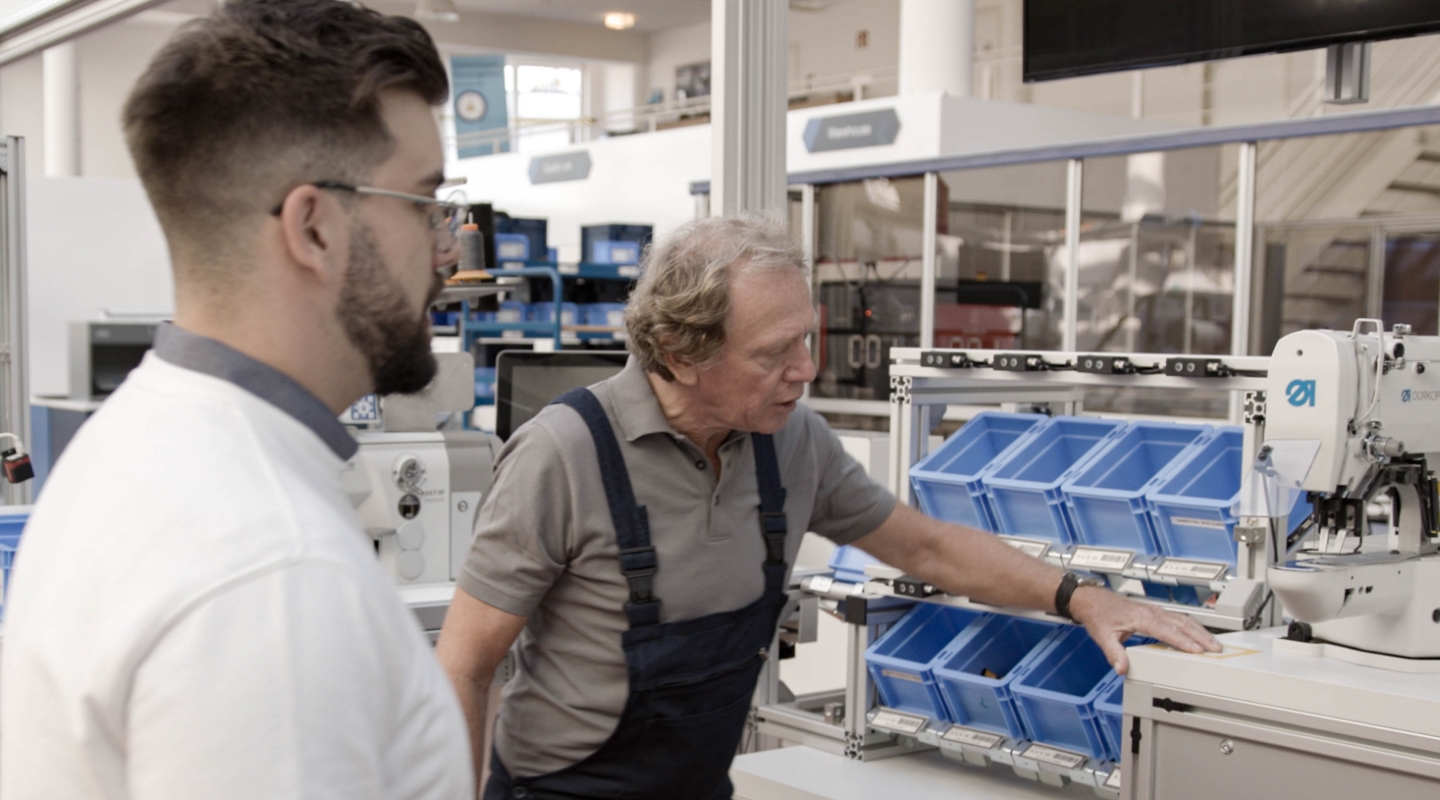
How to check ergonomics in XR#
1. Analyze reach distances and accessibility
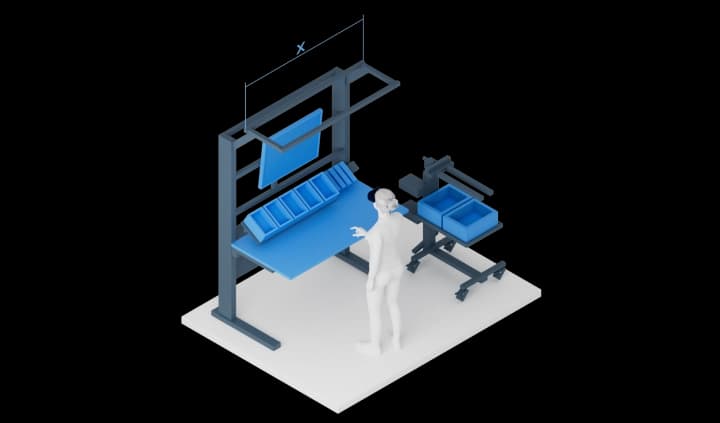
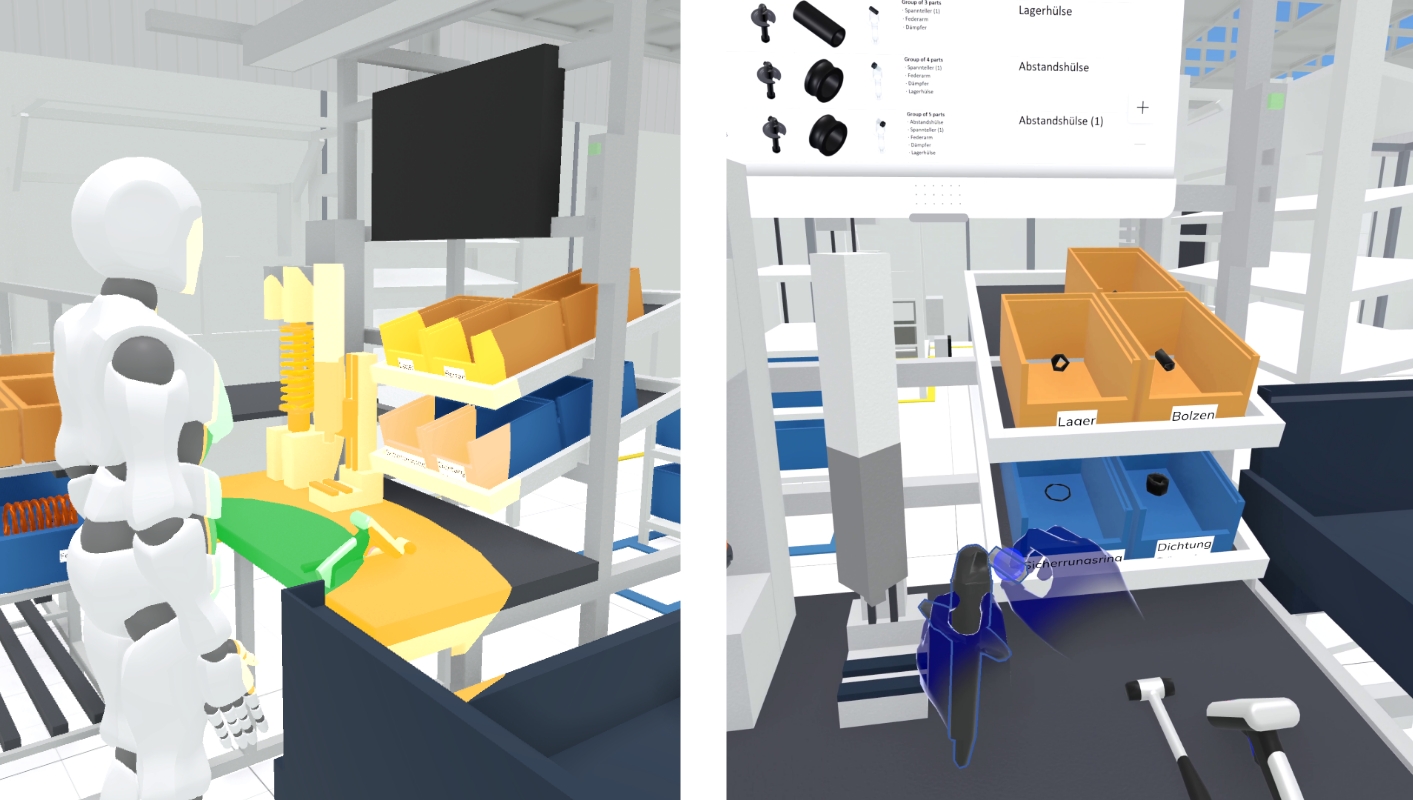
During planning, you can display reach zones based on DIN standards or your own criteria. An avatar shows which areas are easily accessible for workers and where objects are placed too far away. You can simulate different body sizes to tailor workstations and avoid ergonomic stress early on.
2. Record & analyze assembly processes
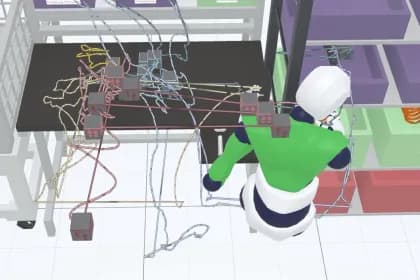
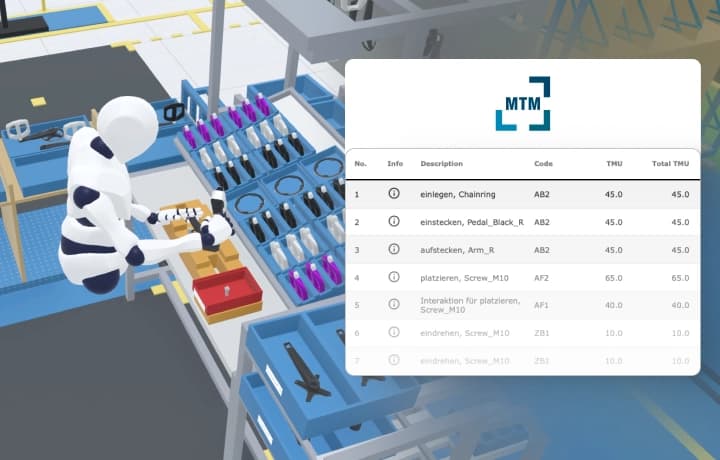
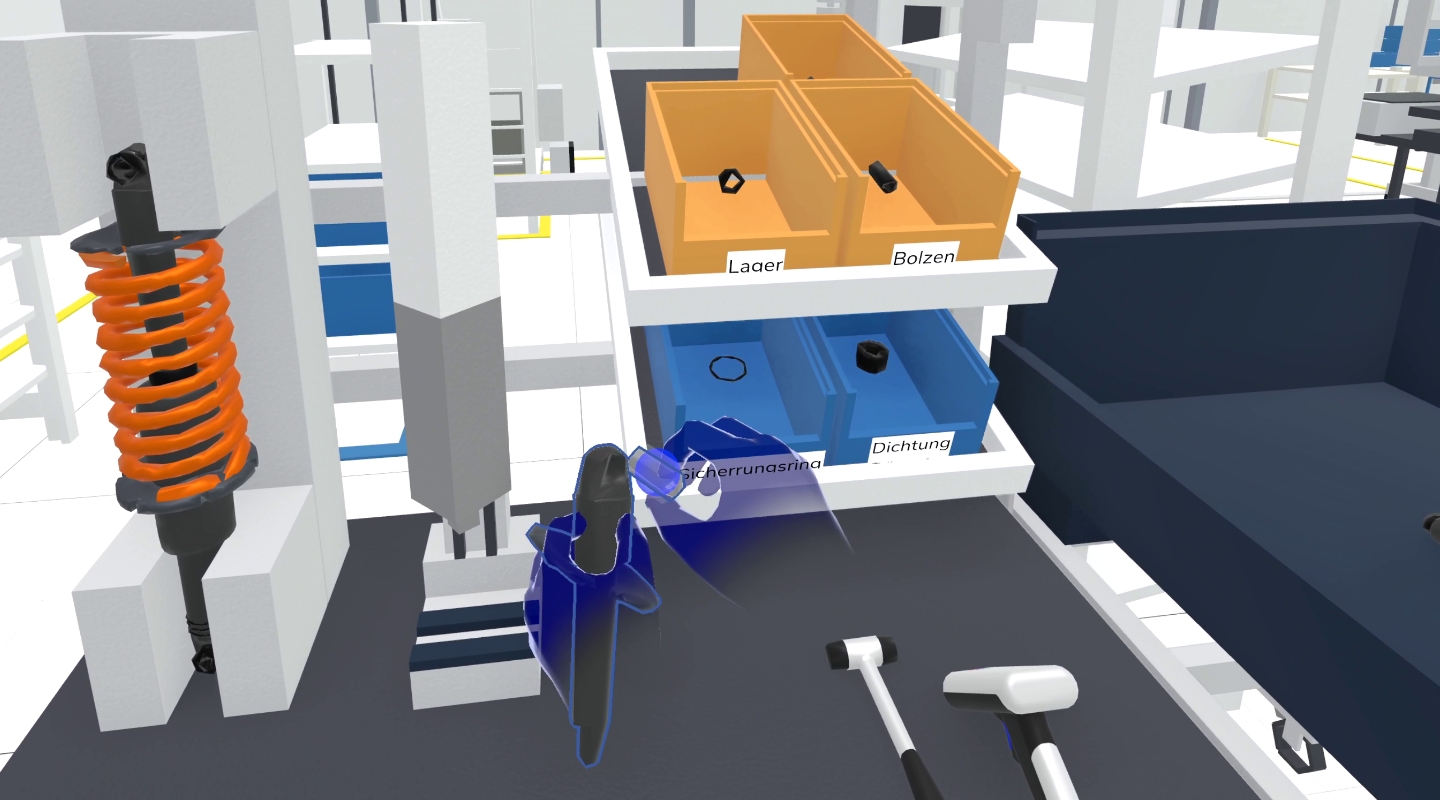
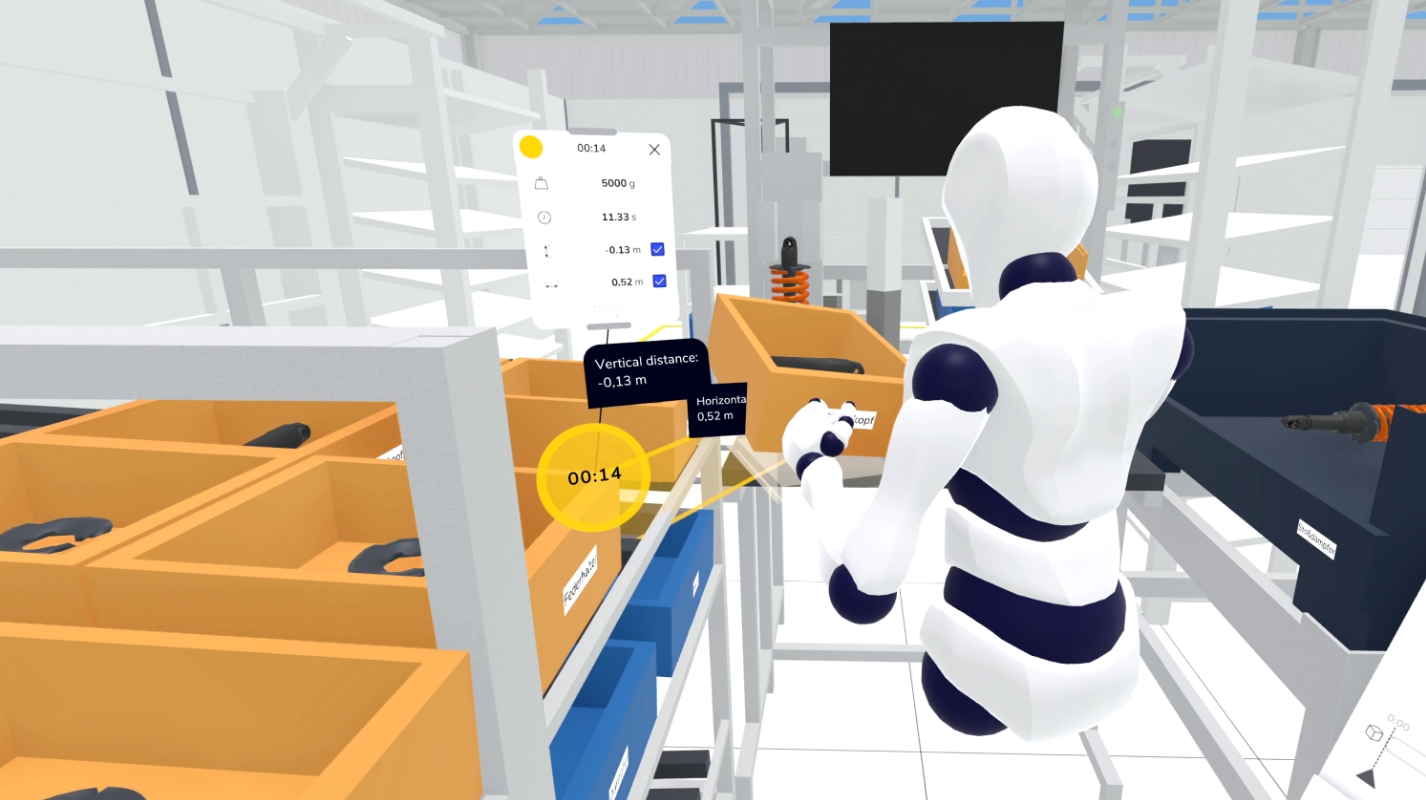
All movements in XR can be recorded and replayed. Instead of documenting each motion manually, you can simply go through the workflow and review it afterward. Halocline automatically highlights ergonomic risks – like high reach distances or awkward movements.
3.Identify poor postures – reduce bending and stretching
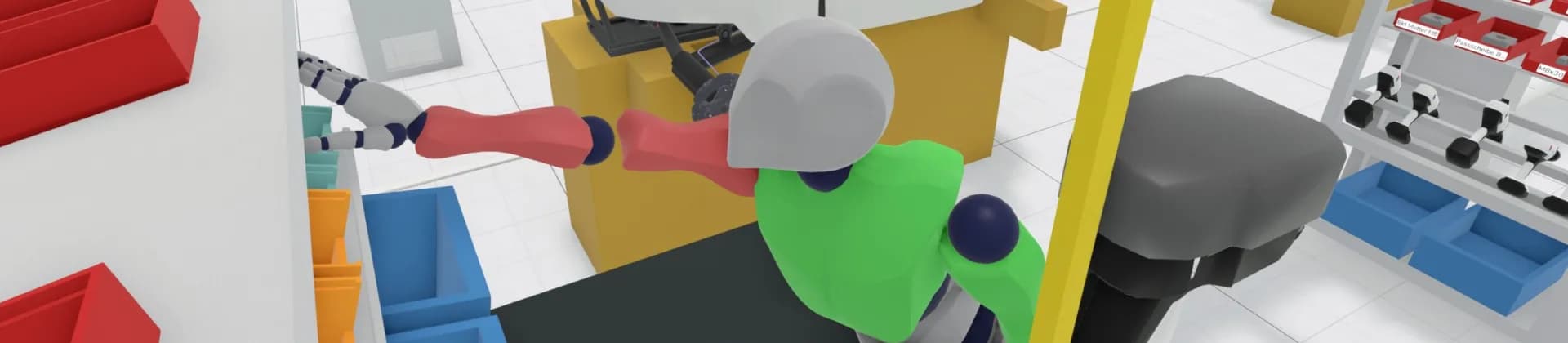
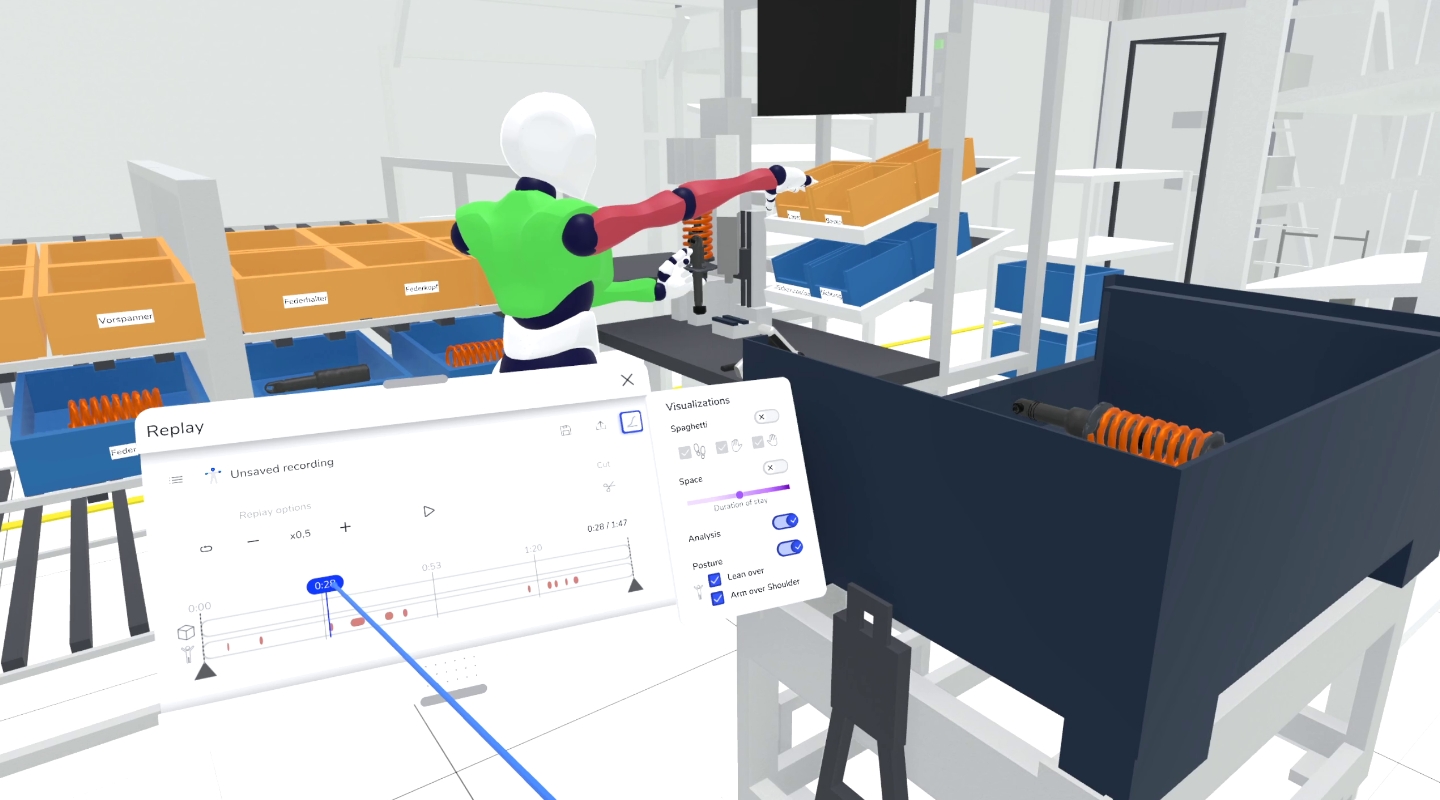
Critical postures are highlighted in red during motion playback. You can immediately see where workers would need to bend or overstretch.
Problem areas can be adjusted directly in XR, then retested until the optimal setup is found.
4. Consider weight load
Everything feels light in the digital world – but real life is different. Halocline evaluates lifting and carrying tasks using the Key Indicator Method and shows which actions may be too physically demanding.
Critical movements are highlighted visually, helping you find targeted solutions – right in XR.
5. Export & reuse data
Would you like to document or share your results with others? No problem!
- Video recordings and screenshots help explain problem areas clearly.
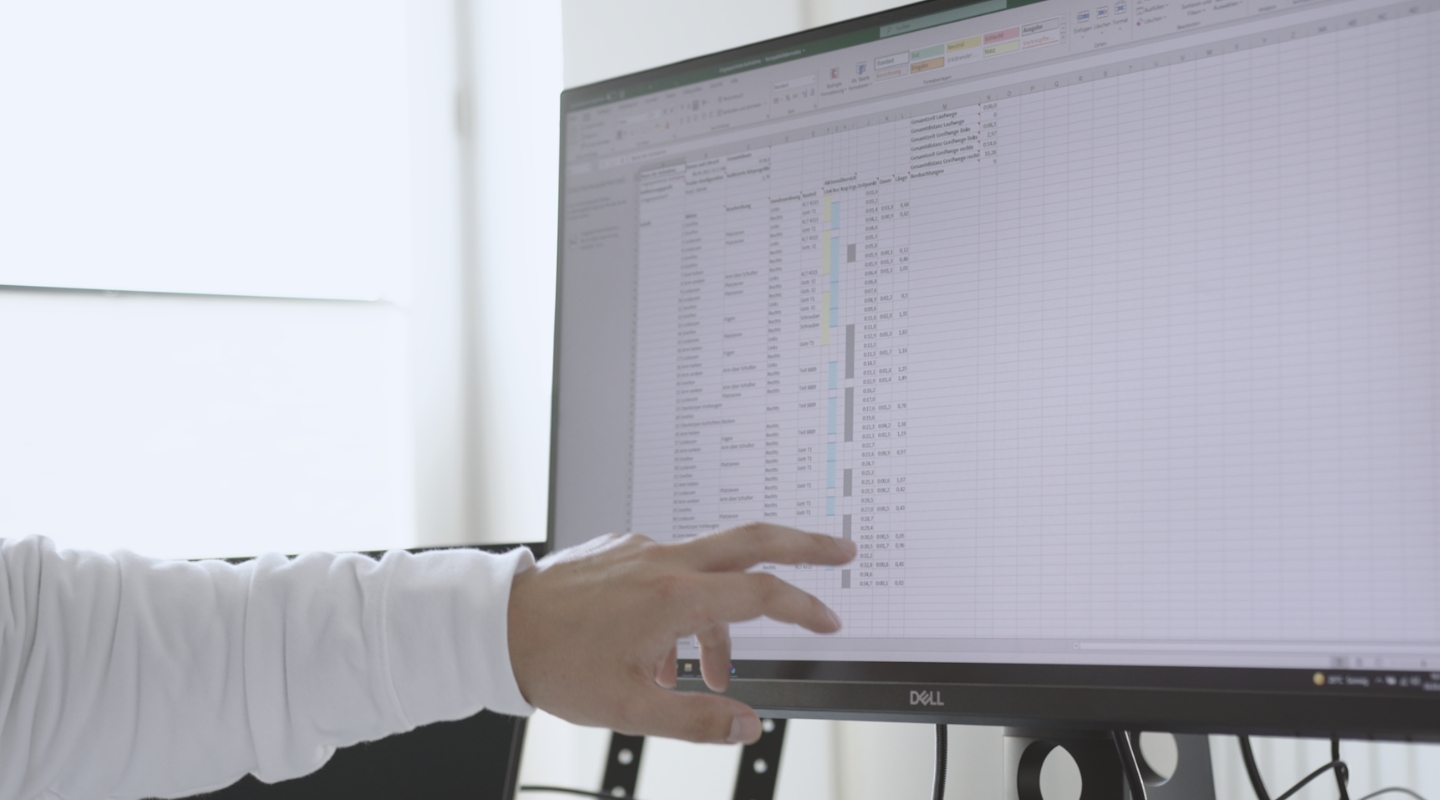
- Tabular reports provide all recorded movements, grabbed objects and evaluations for further analyses.
- Compare different variants and use the data for future optimizations.
Conclusion: Include ergonomics in planning at an early stage#
Traditional ergonomics analysis is often time-consuming, subjective and sometimes faces resistance. Yet ergonomic workplace design is crucial for health, productivity and long-term satisfaction.
With Halocline, you can detect and fix ergonomic issues early – interactively and data-driven, right in XR.
Use Halocline to design workstations that support both health and efficiency!