Installing Halocline Desktop: process and silent installation
1 min read
Available in
- Desktop
Installation Process#
- Run Halocline installation file.
- Confirm Windows User Account Control prompt with "Yes".
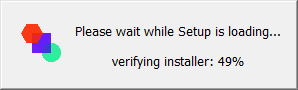
- The installation starts:
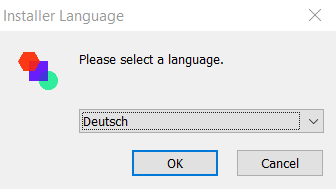
- Select the language of the installation. You can choose between "Deutsch" and "English". This does not affect the language of the application:
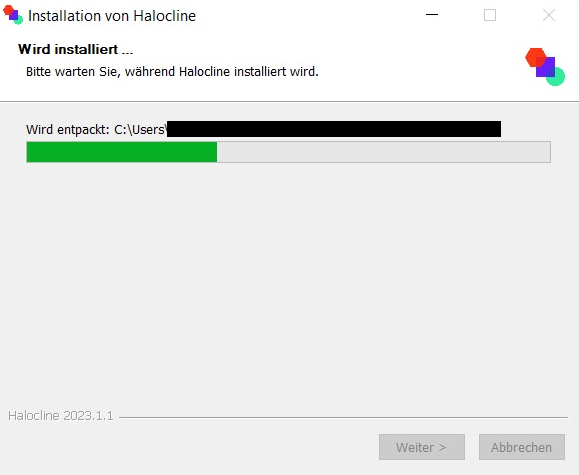
- The actual installation begins, this includes:
- New installation
- Migration of existing data
- A Migration.log file is written. The location is the directory where the Halocline installation file is located.
- If the installation is successful, the Migration.log file will be deleted after the installation.
- If a migration error occurs, the installation is not successful. In this case, the Migration.log file is needed by Halocline to investigate the error. In addition, a popup informs about a failed installation.
- Uninstall previous Halocline versions if necessary.
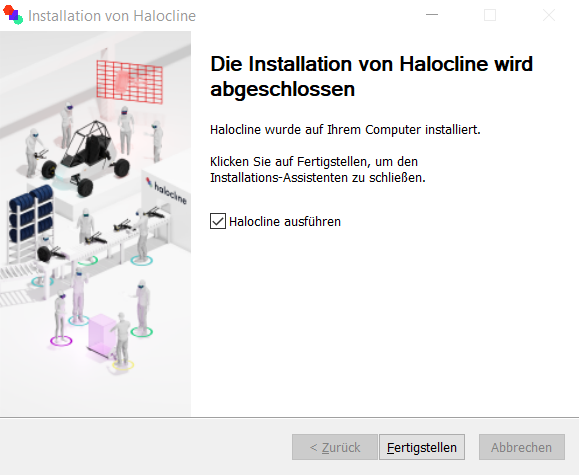
- Installation successful:
- You can choose whether Halocline should be executed directly after the installation is finished or not.
Silent Installation#
- A silent installation is possible via the command line parameter "/S".
- To counteract data loss, a backup of the data should be performed in any case before the installation. Folder to be backed up (including subfolders): "%programdata%/Halocline". Please only create a copy without changing the source folder.
Further Notes on Installation#
- The installation requires administrator rights.
- The installer is an "NSIS" installation file.
- Halocline is installed by default for all users. This cannot be changed.
- The installation path ("C:/Program Files/Halocline") cannot be changed
- It must be ensured that enough memory is available.
- When installing Halocline for the first time: 17 GB (per relevant storage location).
- For existing Halocline data or updating an existing version: 17 GB + triple size of the folder "%programdata%/Halocline".
Related to