Setting and aligning a section view in Assembly
1 min read
Available in
- Professional
- Desktop
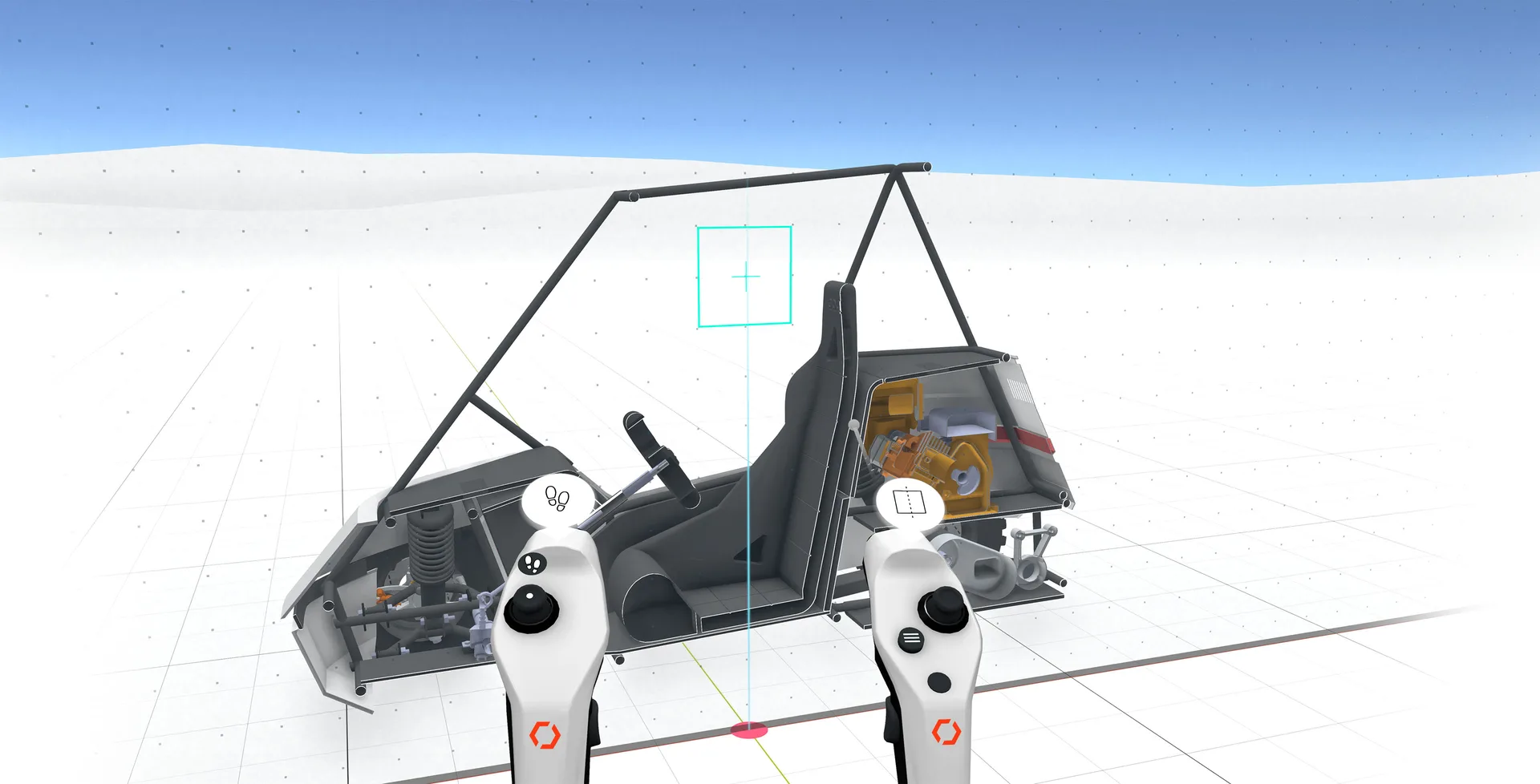
With the "Section" tool you can place a sectional view in the world.
This gives you the possibility to look into parts and assemblies without hiding entire components.
Instructions#
Menu > Tools > Section#
- Point to the bordered area.
- Then press and hold the trigger so that you can align the section plane in the room.
Note:
You can align the section plane with an axis at any time. When the section plane is aligned with an axis, a cross appears in the center of the section plane.
Related to